
Laptops & Computing · Buying guide
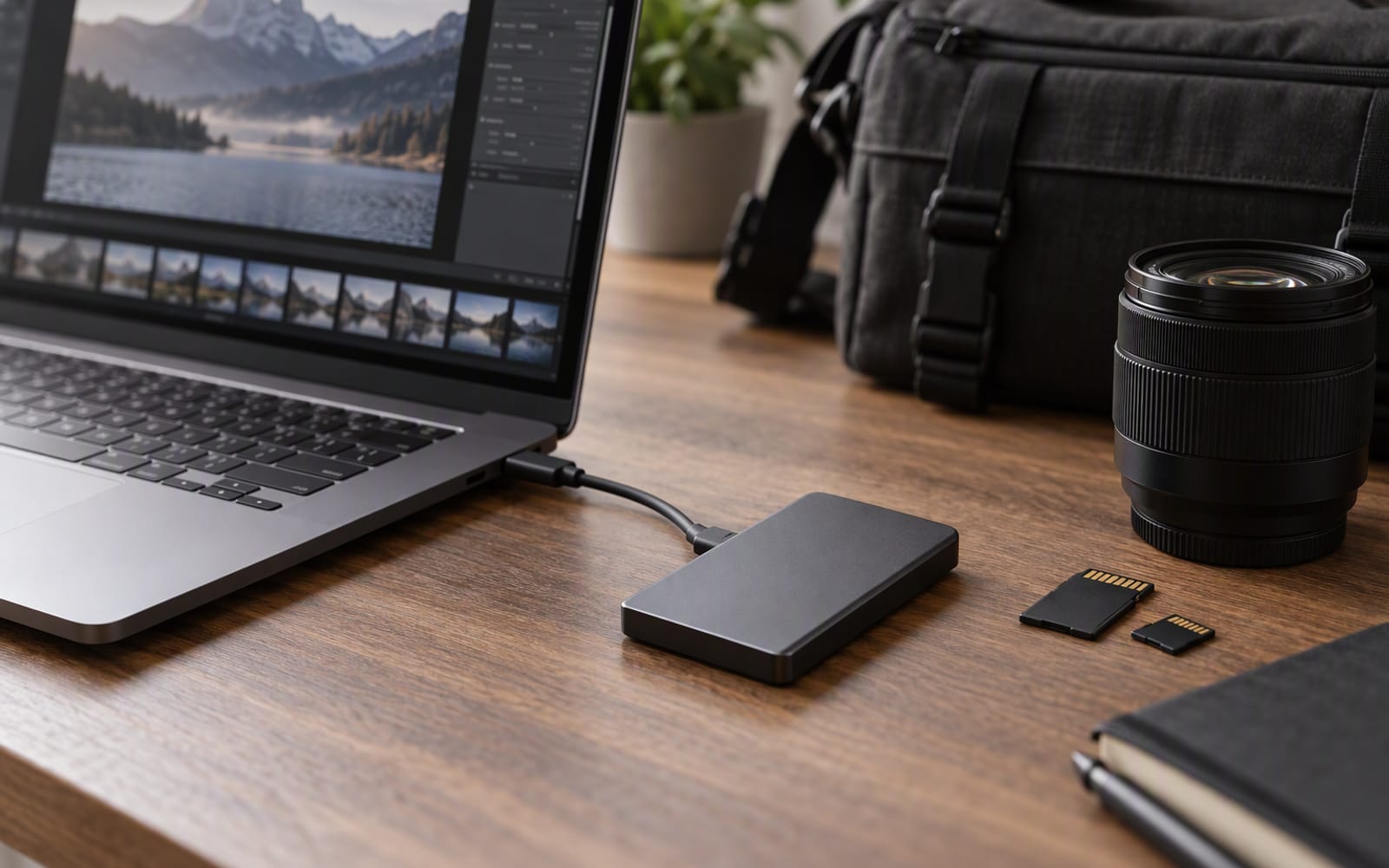
Picture a freelance video editor on a shoot day. She has a camera bag over one shoulder, a laptop in the other hand, and a portable SSD in a side pocket next to a water bottle. Between setups she offloads cards to the drive, and between locations the bag goes on the floor of a van or the back seat of a car. By the evening she is editing directly from that drive on a kitchen table.
Every one of those details changes what she should buy. The drive is not a desk accessory, and the specification that gets printed largest on the box — the headline read speed — is not the one that decides whether the day goes well.
Peak speed is not the number you need
External SSDs are almost always advertised with a sequential read speed, and it is usually the biggest figure on the packaging. That number describes how fast the drive can move data when it is reading from a fast cache and everything is in its favour.
What matters when you are offloading camera files is sustained write speed: how fast the drive keeps writing after the initial burst, once the cache has filled. A drive that briefly reaches a high peak and then settles to something much lower will feel fine for the first few gigabytes and sluggish for the rest of a large offload.
This is why two drives with similar headline numbers can behave very differently on the same card. If you take one thing from this article, take this: for editing work, ask about sustained performance, not peak.
Rule of thumb. Peak speed sells drives; sustained speed finishes jobs. When a drive’s specification sheet quotes only one speed, assume it is the optimistic one.
Editing directly off the drive
A few years ago, the standard advice was always to copy footage to an internal drive before editing. That advice has aged. With a fast external SSD and a fast connection, editing directly from the drive is now a normal workflow, and it saves both time and space.
The catch is that direct editing puts the drive under continuous load for hours rather than for a single transfer. A drive that sustains its speed handles this comfortably. A drive that throttles will show up as stutter during scrubbing and playback — exactly where you least want to notice it.
Direct editing also raises the stakes on reliability. When the footage lives on the drive, the drive is the project. That is a good argument for keeping a second copy of anything irreplaceable, whatever drive you choose.
Ruggedisation when the drive lives in a camera bag
This is the specification that separates a drive that lasts from one that does not, and it is easy to overlook because it does not appear in a speed table.
A camera bag is a hostile place. Drives get knocked against lenses, sat on, dropped, and exposed to dust and rain. Dust and water resistance ratings exist precisely for this, and so does a rubberised or reinforced shell. If your drive travels, that protection is worth more than an extra margin of speed.
If your drive never leaves a desk, the opposite is true: ruggedisation is weight and cost you do not need, and a lighter, cheaper drive is the better buy.
Thermal throttling on long transfers
Every portable SSD gets warm, and heat is the enemy of sustained speed. As the controller warms up during a long transfer, it reduces its own speed to protect itself — the same principle as a processor throttling under load.
Two things follow. First, an aluminium body helps, because metal moves heat away from the components more effectively than plastic. Second, a drive that runs fast will also run warm, so the fastest drives are not always the ones that hold their speed longest. On a big offload, a drive that stays cool at a moderate speed can finish before a hotter drive that starts faster and then slows down.
The connection is part of the drive
None of these drives reach their published speeds through a slow port. If your laptop’s port, your cable or your card reader cannot keep up, the drive will be capped by the slowest link in the chain.
Before choosing between drives, identify your bottleneck. If it is the card, upgrading the drive will not help. If it is the port, no drive will reach its rated speed. Buying the fastest drive in the category and connecting it to a slow port is one of the most common ways to spend money on performance you never see.
Our picks
| Drive | Published sequential read | Ruggedised | Best for | What you give up |
|---|---|---|---|---|
| Samsung T7 Shield | Around 1,050 MB/s | Yes — dust and water resistant | Location work and travel backups | Sustained writes slow on very large transfers |
| SanDisk Extreme PRO v2 | Around 2,000 MB/s | No | Editing directly on a desk | Water and dust protection |
| Crucial X9 Pro | Around 1,050 MB/s | No | Budget backups and photo libraries | Ruggedisation; a longer cable |
Samsung T7 Shield is the drive for the camera bag. Its rubberised shell and dust and water resistance rating matter more than peak speed when the drive shares a pocket with a water bottle, and based on published specifications its sequential read speed is around 1,050 MB/s — fast enough to edit from directly. What you give up is sustained write performance on very large transfers, which slows as the cache fills, along with a price that sits above a bare drive.
SanDisk Extreme PRO Portable SSD v2 is the fastest option here, with published sequential read speeds around 2,000 MB/s, and it is the one to choose when you edit directly from the drive rather than copying first. What you give up is protection: it is not water or dust resistant, so it belongs on a desk rather than in a bag, and it runs warm during long transfers, which will pull its speed back over time.
Crucial X9 Pro is the value choice. Based on published specifications it reads at around 1,050 MB/s, it is small enough to disappear into a pocket, and its price per terabyte is the most attractive of the three. What you give up is ruggedisation — it needs a padded pouch if it travels — along with a short included cable and a body that gets warm during long transfers.
What not to overpay for
- Peak speed you cannot use. If your port, cable or card reader is the bottleneck, the fastest drive changes nothing.
- Ruggedisation on a drive that never moves. Protection is worth paying for only if the drive leaves the desk.
- The largest capacity you will not fill. Buy for the size of your projects, then add a second drive for backup rather than one enormous one.
- A drive with a display or an app ecosystem. Those features rarely survive contact with a real editing day.
When the honest answer is do not buy anything
If your footage is small and your laptop’s internal storage has room, you may not need an external drive at all — and an internal drive is faster and one fewer thing to carry. If your real bottleneck is the card or the card reader, fix that first, because a new drive will not change the transfer time. And if your current drive is slow but reliable, and you are not losing time to it, the honest advice is to keep it and spend the money on a second copy of your footage instead. For an editor, a backup is worth more than a faster drive.
Our picks
These are the models we would shortlist for the scenarios in this article. Each entry shows the published specification highlights, what the product is genuinely good at, and what you give up.
Samsung T7 Shield
Samsung
The external SSD to throw in a camera bag. The rubberised shell and IP65 rating matter more than peak speed when the drive lives in a rucksack next to a water bottle.
What it does well
- Survives knocks and light rain
- Fast enough for direct video editing
- Comes with both cable types
What to accept
- Sustained writes slow down on very large transfers
- Costs more than a bare drive
- No hardware encryption keypad
Best for: Location shooting · Travel backups · Outdoor work
Published specs: Portable USB-C external SSD; Ruggedised shell with dust and water resistance rating; Published sequential read speeds around 1,050 MB/s; Included USB-C and USB-A cables.
Last checked: 2026-09-20
SanDisk Extreme PRO Portable SSD v2
SanDisk
The fastest option here, which matters when you are editing directly off the drive rather than copying files first. It is not ruggedised, so it belongs on a desk rather than in a camera bag.
What it does well
- Fast enough to edit from directly
- Sustains high speeds on large transfers
- Compact for the performance
What to accept
- Not water or dust resistant
- Gets warm during long transfers
- Premium price per terabyte
Best for: Direct video editing · Large project files · Studio work
Published specs: Portable USB-C external SSD; Published sequential read speeds around 2,000 MB/s; Aluminium body with rubberised edges; Hardware encryption support.
Last checked: 2026-09-20
Crucial X9 Pro
Crucial
Compact, fast enough for photo and video work, and priced below the ruggedised alternatives. You give up the drop protection, so pair it with a padded pouch.
What it does well
- Excellent price per terabyte
- Genuinely pocket-sized
- Consistent performance for photo work
What to accept
- Not ruggedised
- Short included cable
- Gets warm during long transfers
Best for: Budget backups · Photo libraries · Everyday transfers
Published specs: Portable USB-C external SSD; Published sequential read speeds around 1,050 MB/s; Very small footprint; Hardware encryption support.
Last checked: 2026-09-20
Frequently asked questions
Can I edit video directly off an external SSD?
Often yes, provided the drive can sustain its speed rather than only reaching it briefly, and provided your connection is fast enough not to become the bottleneck. Editing directly saves time and space because you skip the copy step, but it means the drive is under constant load while you work. If the drive slows down under sustained writing, you will feel it in scrubbing and playback rather than in the transfer.
Why does my SSD slow down on very large transfers?
Portable SSDs use a fast cache for incoming data, and once that cache fills, the drive writes at a slower rate until it catches up. This is why two drives with similar headline numbers can behave very differently on a large offload from a camera card. Sustained write speed is the figure that matters for editing; the peak number is the one most often quoted.
How rugged does an editor's drive really need to be?
As rugged as its daily life demands. A drive that stays on a studio desk needs no protection at all, and paying for it is wasted. A drive that lives in a camera bag, next to a water bottle, and gets moved between locations needs dust and water resistance and a shell that survives knocks. Match the protection to the journey rather than buying the toughest option by default.
Do I need the fastest drive available?
Only if your workflow can use it. A drive rated at a high speed will still be capped by a slow port, a slow card reader or a slow source card. If your bottleneck is elsewhere in the chain, paying for peak speed buys nothing. Work out which link in your transfer is slowest before spending on the drive.
Related

Computing
Best Laptops for Students Who Commute Every Day
Commuting to campus every day changes what matters in a student laptop: weight, battery, silence and how it survives a rucksack. Here is how to choose.

Computing
How Much RAM Do You Actually Need in 2026?
The honest answer on laptop memory in 2026: why soldered RAM changes the calculation, when 16 GB is enough, and when it genuinely is not.

Computing
Best Portable Monitors for Remote Work and Travel
A second screen for hotel rooms and kitchen tables. How USB-C power, colour accuracy and touch input change what a portable monitor is worth.