
Charging & Power · Explainer
There is a specific drawer in most homes that contains eight chargers and none of the right one. A thick laptop brick from an old machine, a slim phone charger that will not wake a laptop, two mystery cubes with no markings, and a tangle of cables that all look identical. The problem is not that you own too few chargers. It is that you own too many, and none of them is flexible enough to do the job when you actually need it.
That drawer is the reason gallium nitride chargers exist as a category. But the marketing around them hides a detail that trips up almost everyone: a 100 W charger is not three 100 W chargers. Understanding that single fact is most of what you need to buy the right one.
Why gallium nitride changed the size
A charger converts the alternating current from your wall socket into the direct current your devices need, and that conversion wastes some energy as heat. Traditionally the switching components inside were made of silicon. Gallium nitride, usually shortened to GaN, is a semiconductor material that can switch at higher frequencies and tolerate higher temperatures than silicon. That lets a charger use smaller internal components, and smaller components mean a smaller body for the same output.
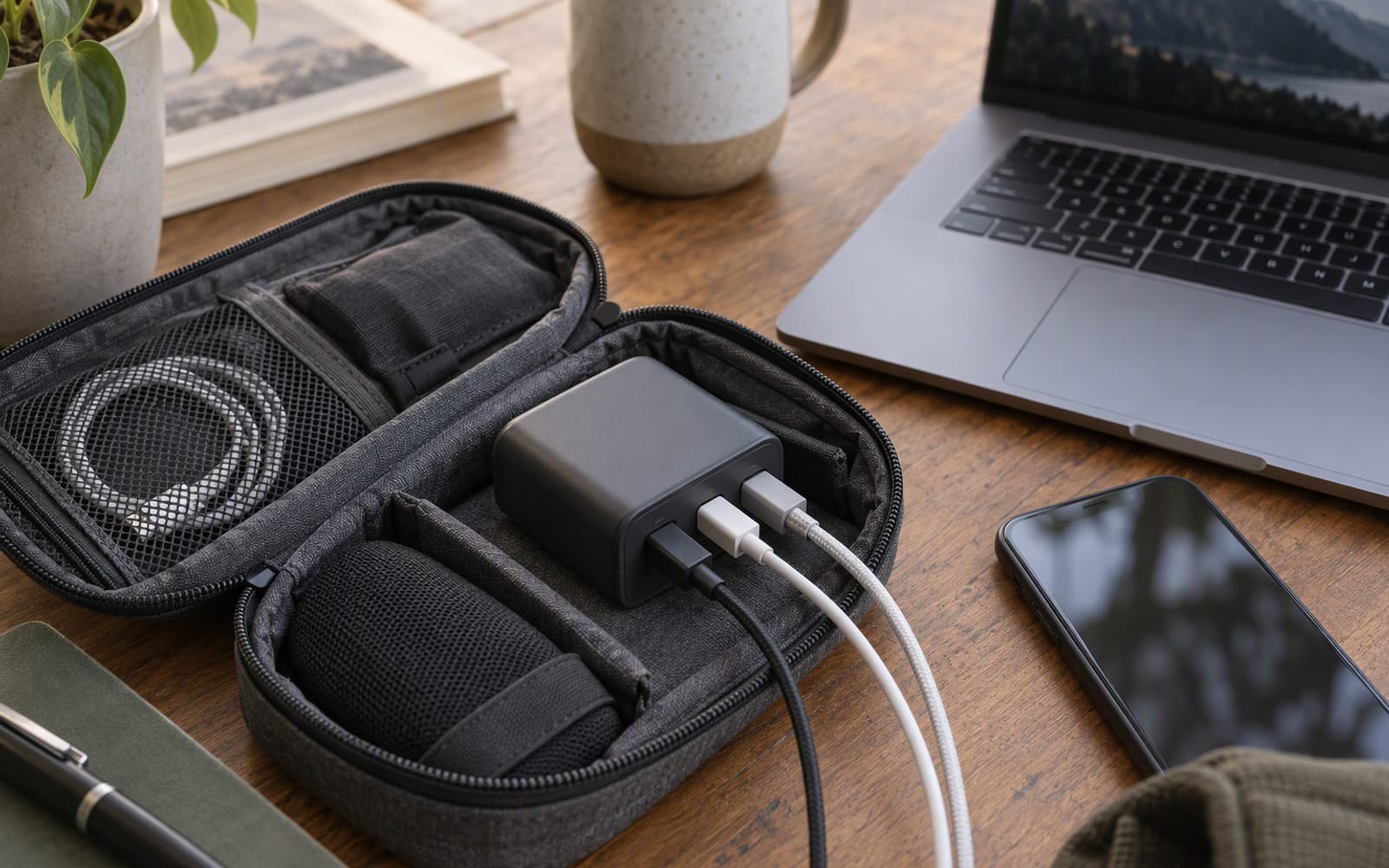
For you, the practical result is simple: a GaN charger rated for laptop-level power can be roughly the size of the phone charger you already own. Based on published specifications, the smallest 100 W GaN units are small enough to fit a jacket pocket, which is what makes the “one brick for everything” idea possible in the first place.
What GaN does not do is change the physics of the socket, the cable, or the device you are charging.
How USB-C Power Delivery actually negotiates
USB-C is not a fixed standard where everything just works at the same speed. When you plug a device into a USB-C charger, the two do a short negotiation. The charger advertises the voltage and current combinations it can supply. The device asks for one of them, up to whatever its own charging circuitry will accept. If both sides agree, power flows.
This is called USB Power Delivery, and it explains three things people find confusing:
- A 100 W charger will not force 100 W into a phone. The phone asks for what it can take.
- A device can be limited by its own maximum, no matter how large the charger is.
- A charger that does not support the right voltage tiers may fall back to a slow, safe default.
The negotiation only works if the cable is also capable. That is a separate topic, and it is the most common reason a laptop charges slowly from a good charger.
The detail nobody reads: total wattage is shared
Here is the part the packaging does not put in large print. The wattage on the box is the total the charger can supply across all of its ports at once — not the amount each port receives.
| Situation | The honest expectation |
|---|---|
| One device on a 100 W charger | That device can draw close to the charger’s full rating, if it supports it |
| Two devices | The same 100 W is now the budget for both, split by the charger’s published allocation |
| Three devices | Still 100 W in total, shared three ways |
| A laptop plus a phone | The laptop is usually prioritised, but it may sit below its own maximum while both are connected |
The exact split differs between models and is printed in the specifications. Some chargers prioritise the first port; others divide the total more evenly. If a laptop needs a specific wattage to charge at full speed, a three-way split may drop it below that line, and it will slow down rather than fail.
Rule of thumb: buy a charger for the single biggest device you own, then treat every additional port as a bonus. A charger sized for your laptop will still charge your phone and earbuds happily at the same time. A charger sized for your phone will never charge your laptop.
When one charger genuinely replaces three
The promise holds up in one specific situation: you travel with a laptop, a phone and a pair of earbuds, and you would rather carry one brick than three. In that case a 100 W GaN charger does replace the pile, as long as you accept that the laptop may charge more slowly when everything is connected at once.
The three models below cover the realistic ways people end up here.
Anker Prime 100W GaN Charger — the model to shortlist if you want the neatest possible version of the idea. Based on published specifications it carries multiple USB-C and USB-A ports, foldable prongs and intelligent power distribution across ports. It is compact for its wattage and built solidly. What you give up is money, since this sits at the premium end, and the fact that it still runs warm under sustained load, like any charger pushing high wattage through a small body.
UGREEN Nexode 100W — delivers most of the same practical outcome for noticeably less. It is a 100 W GaN charger with multiple USB-C ports plus USB-A, and it charges a laptop without complaint. The finish is plastic rather than premium, it shows marks, and the port allocation is a little less clever than the Anker’s. If you want one charger for a desk and do not care how it looks, this is the sensible buy.
Anker 312 Travel Adapter — the odd one out, and included deliberately. If you travel to the same country repeatedly, a single-region adapter with USB-C and USB-A ports is smaller, lighter and simpler than a universal one. It is not a high-wattage charger, so it will not run a laptop at full speed, and it does not convert voltage. Check the plug type and mains voltage of your destination, and if you are unsure how a device will behave on a foreign supply, ask a qualified electrician rather than guessing.
What not to overpay for
- A higher wattage than your biggest device needs. If your laptop’s published maximum is lower than the charger’s rating, the extra capacity only matters when several devices are connected.
- Port count for its own sake. Four ports you never fill are four ports sharing a budget.
- A branded cable bundle. Chargers rarely fail on the cable; the cable is where you should spend deliberately, but not blindly.
- App features. Some chargers report live wattage to a phone. It is a nice-to-have, not a reason to choose one model over another.
When you should not buy anything
If your current charger already fills your laptop overnight and your phone during the day, and you are not travelling with both, a new GaN charger changes nothing except the contents of the drawer. The honest case for buying one is portability: a single small brick that replaces three, for someone who actually carries the three.
Prices move constantly and vary between retailers, so confirm the current figure with the merchant before you decide.
Our picks
These are the models we would shortlist for the scenarios in this article. Each entry shows the published specification highlights, what the product is genuinely good at, and what you give up.
Anker Prime 100W GaN Charger
Anker
One charger for a laptop, a phone and earbuds is the whole promise of GaN, and this delivers it in a body small enough for a jacket pocket. Check the port allocation before assuming all three get full speed at once.
What it does well
- Replaces several chargers when travelling
- Compact for the wattage
- Solid build
What to accept
- Shared wattage drops when all ports are used
- Can run warm under sustained load
- Premium price
Best for: Laptop and phone together · Travel · One-brick setups
Published specs: 100 W GaN wall charger; Multiple USB-C and USB-A ports; Foldable plug prongs; Intelligent power distribution across ports.
Last checked: 2026-10-02
UGREEN Nexode 100W
UGREEN
Delivers most of what the premium 100 W chargers do for noticeably less money. The finish is less premium and the port allocation is a little less clever, but it charges a laptop without complaint.
What it does well
- Very good price for 100 W
- Reliable with laptops
- Compact enough for a bag
What to accept
- Plastic finish shows marks
- Runs warm at full load
- Port sharing is less intelligent
Best for: Budget setups · Desk charging · Spare charger
Published specs: 100 W GaN wall charger; Multiple USB-C ports plus USB-A; Foldable prongs on travel variants; Wide device compatibility.
Last checked: 2026-10-02
Anker 312 Travel Adapter
Anker
A simple, well-made adapter for one region rather than the world. If you travel to the same country repeatedly, a single-region adapter is smaller, cheaper and less to go wrong than a universal one.
What it does well
- Very small and light
- Cheaper than a universal adapter
- Reliable build
What to accept
- Only covers one region
- Low total wattage
- Does not convert voltage
Best for: Single-country trips · Phone charging · Occasional travel
Published specs: Compact regional travel adapter; USB-C and USB-A charging ports; Compact body; Built-in safety features.
Last checked: 2026-10-06
Frequently asked questions
Is a 100 W charger suitable for a phone?
In general, a phone draws only what its own charging circuitry will accept, and the charger and phone negotiate a voltage before power flows. That means a high-wattage charger usually charges a phone at the phone's own maximum rather than at the charger's rating. If you are unsure how a specific device behaves, check the manufacturer's documentation.
Does gallium nitride make a charger more efficient?
Gallium nitride allows smaller internal components and can run cooler than silicon at the same output, which is why the bodies are smaller. The practical benefit most people notice is size rather than a measurable change in their electricity use. Treat efficiency as a secondary reason to choose a model, not the main one.
Why does my laptop charge slowly when I plug in two devices?
Because the charger's total wattage is shared across its ports. When a second device connects, the charger divides its budget, and the laptop may fall below the wattage it needs for full-speed charging. Unplugging the second device usually restores full speed.
Do I need a different charger when I travel abroad?
You need the right plug type for the country, and you should check the mains voltage before you plug anything in. Many chargers accept a wide voltage range and need only a plug adapter, while others do not, and a travel adapter does not convert voltage unless it says so. Check the label and, if you are unsure, consult a qualified electrician.
Related
Power
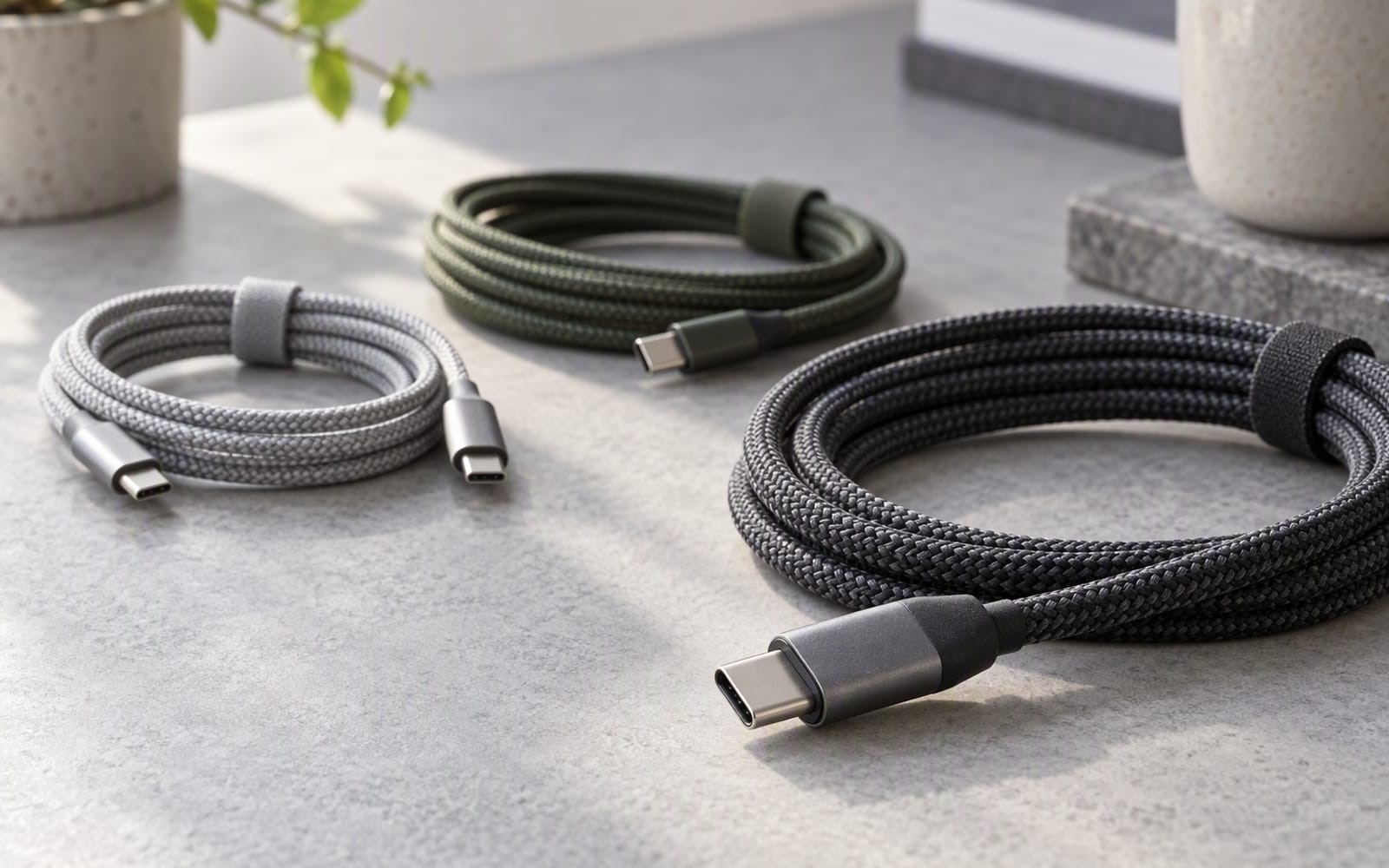
USB-C Cables for Fast Charging: How Not to Get Scammed
A laptop that charges slowly is usually the cable's fault, not the charger's. Here is how wattage ratings, e-marker chips and data speed actually work.

Power
Wireless Charging Pads: Convenience vs Speed
Wireless charging is slower than a cable at the same price, and always will be. Here is when a pad earns its place on a bedside table anyway.

Power
Best Car Chargers for Road Trips
Older 12 V sockets limit what a car charger can deliver. Here is how to pick one for a family road trip, and when the honest answer is to buy nothing.