Charging & Power · Explainer
You plug your laptop into the charger that came with it, and nothing happens — or worse, the battery icon shows a trickle. You swap to another cable from the drawer and it charges normally. The charger was never the problem. The cable was.
This is the single most common cause of slow charging, and it is almost impossible to spot by looking, because every USB-C cable has the same connector at both ends. The difference is inside.
Why the same charger charges your phone fast and your laptop slowly
Your phone and your laptop do not ask for the same amount of power. A phone might be happy with a modest charge, while a laptop needs considerably more to run and charge at the same time. The charger negotiates with the device, but the cable has to carry the result.
A basic USB-C cable is built to a low power rating. It works perfectly for a phone and will charge it quickly. Put the same cable between a high-wattage charger and a laptop, and the cable caps the negotiation at its own limit. The charger and laptop are both capable of more; the cable simply will not pass it. The result is a laptop that charges slowly, or holds its battery level while running, or refuses to charge at all when the screen is on.
Wattage and data speed are two different specifications
The confusion that costs people money is that a cable’s power rating and its data speed are independent. A cable can be excellent at one and poor at the other.
| What the label says | What it tells you | What it does not tell you |
|---|---|---|
| “240 W” | The maximum power the cable is rated to carry | Anything about data transfer speed |
| “USB 2.0” or “480 Mbps” | The data transfer speed | Anything about charging wattage |
| “USB4” or “Thunderbolt” | High-speed data and video capability | Whether the power rating is high |
| “E-marked” | The cable can negotiate above the basic power tier | The exact data speed |
A cable marketed as a fast data cable may still be a slow charging cable, and a cable rated for high wattage may transfer files slowly. Read both numbers, not just the one on the front of the packaging.
What an e-marker chip does
Higher power levels over USB-C require the cable to identify itself. A small chip inside the connector, called an e-marker, tells the charger and the device what the cable is rated for. Without it, the two sides fall back to a lower power tier.
This is why an unrated cable caps charging even when everything else in the chain is capable. The e-marker is the cable’s way of saying “I can carry this much” — and if it cannot say that, the negotiation stops short.
The connector is where cables die
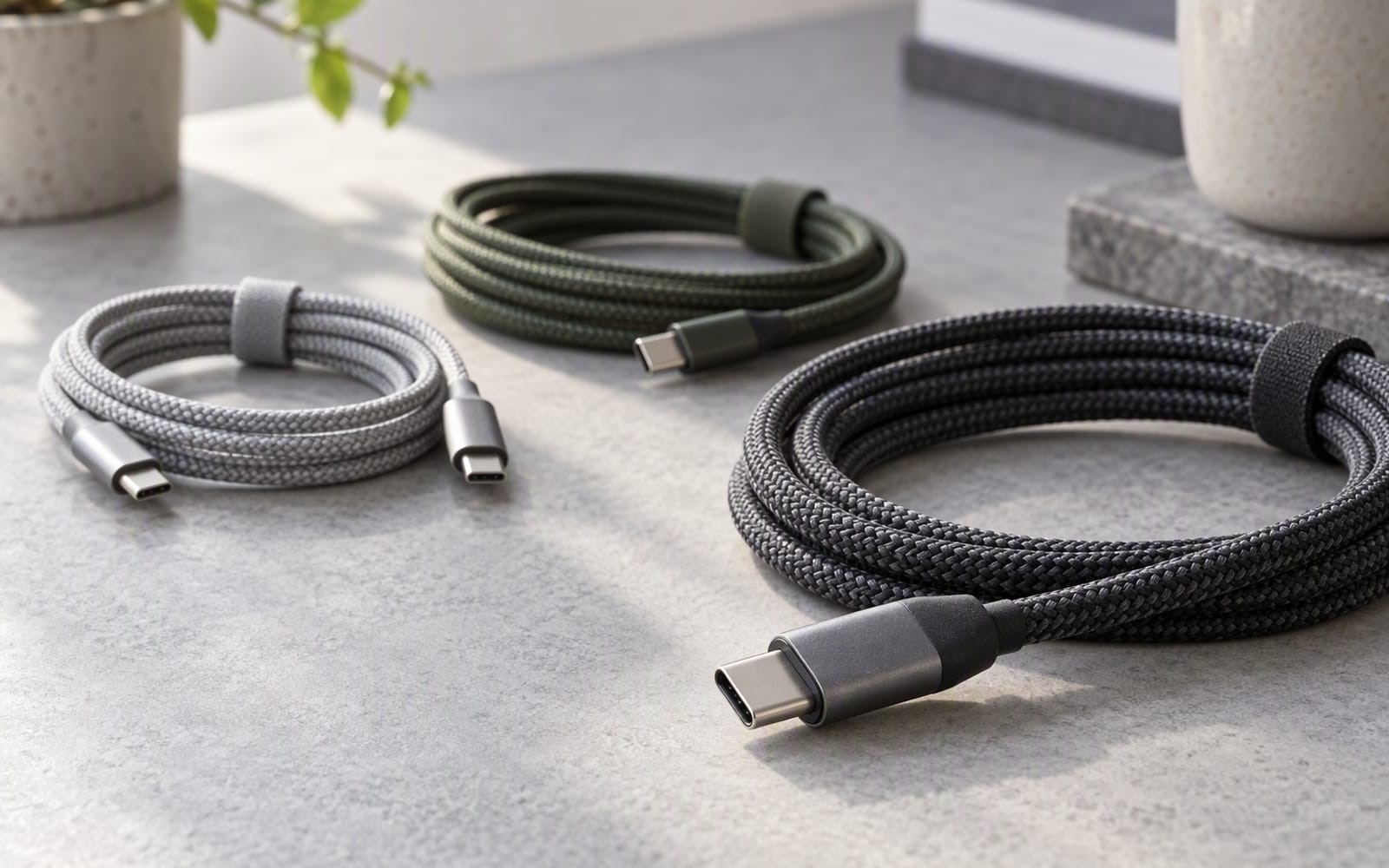
Cables rarely fail in the middle. They fail where the plug meets the jacket, because that is where every bend, tug and coil concentrates. The usual failure point is the strain relief — the section of material that transitions from the rigid connector to the flexible cable. A cheap cable has a short, stiff relief that cracks after months of being folded into a bag.
If you replace cables often, buy for the strain relief and the connector housing, not for the length or the colour. A reinforced collar at both ends addresses the exact place the last cable failed.
Our picks
Two cables for two different buyers.
UGREEN 240W USB-C Cable — the buy-once option. Based on published specifications it is rated to 240 W, supports high-speed data transfer and uses a braided jacket. Many USB-C cables are rated well below this, which is exactly why laptops charge slowly on the wrong one. What you give up is flexibility, since a heavily rated braided cable is stiffer than a basic one, and money, since it costs more than an unrated cable. If you only ever charge a phone, it is more cable than you need.
Anker 765 USB-C Cable — the cable to buy if you destroy cables. It uses reinforced connectors and a strain-relief collar at both ends, and it is rated for laptop-level wattage. The manufacturer publishes bend-lifespan testing, which is the relevant claim here. It costs more than a basic cable, has no power readout, and the braiding can fray at the very end of its life, but it is built for daily coiling into a bag.
Rule of thumb: if a laptop charges slowly on a charger you trust, swap the cable before you buy a new charger. The cable is the cheaper and far more likely culprit.
What not to overpay for
- Data speed you will never use. If the cable lives on a bedside table, a high data rating buys you nothing.
- A branded cable when a well-made unbranded one meets the same ratings. Check the printed ratings rather than the logo.
- Very long cables for high-wattage charging. Long thin cables lose more along their length, so keep laptop charging cables reasonably short.
- Power display features. A cable that reports wattage is a novelty, not a necessity.
When you should not buy anything
If your phone already charges quickly and you have no laptop to feed, your existing cable is fine. The fast-charging cable problem is a laptop problem. If everything you own charges from a low-wattage brick overnight, nothing here applies to you.
Prices change frequently between retailers, so confirm the current figure with the merchant.
Our picks
These are the models we would shortlist for the scenarios in this article. Each entry shows the published specification highlights, what the product is genuinely good at, and what you give up.
UGREEN 240W USB-C Cable
UGREEN
Most USB-C cables are limited to 60 W or 100 W, which is why laptops charge slowly on the wrong cable. A 240 W rated cable removes that guesswork and works with everything you will buy for years.
What it does well
- Handles every current power standard
- Durable braided construction
- Works with laptops and phones alike
What to accept
- Stiffer than a basic cable
- Overkill if you only charge a phone
- Costs more than an unrated cable
Best for: Laptop charging · High-wattage setups · Buying once
Published specs: USB-C to USB-C cable rated to 240 W; Supports high-speed data transfer; Braided jacket for durability; Length options from short to long.
Last checked: 2026-10-02
Anker 765 USB-C Cable
Anker
The cable to buy if you destroy cables. Reinforced connectors and a strain-relief collar at both ends address the two places cheap cables fail, and it is rated for laptop-level wattage.
What it does well
- Survives being coiled into a bag daily
- Handles laptop charging wattage
- Good length options
What to accept
- Pricier than a basic cable
- No display or power readout
- Braiding can fray at the very end of its life
Best for: Everyday carry · Car use · Rough handling
Published specs: USB-C cable with reinforced connectors; Rated for high-wattage charging; Braided nylon jacket; Long bend-lifespan testing by the manufacturer.
Last checked: 2026-10-02
Frequently asked questions
How can I tell if a USB-C cable supports fast charging?
Look for a printed wattage rating on the packaging or the connector, and check whether the cable is described as e-marked. A cable with no power rating is usually built to the basic tier and will cap charging. If the rating is not stated, assume it is low.
Is a 240 W cable overkill for a phone?
For a phone alone, yes — a phone will draw far less than that, and a cheaper low-wattage cable will charge it just as quickly. A high-rated cable earns its place when the same cable also has to charge a laptop. If you want one cable for everything, the higher rating removes the guesswork.
Why does my laptop stop charging when the screen is on?
That usually means the cable or charger cannot supply enough power to both run the laptop and charge it at once. The laptop prioritises running, and the battery gains little or nothing. A cable rated for higher wattage, paired with a capable charger, is the fix.
Do thicker cables charge faster?
Thickness is a rough hint, not a specification. What matters is the printed power rating and whether the cable is e-marked. A thick cable with no rating can still cap charging, and a thin well-rated cable can carry high wattage. Read the numbers rather than judging by feel.
Related
Power
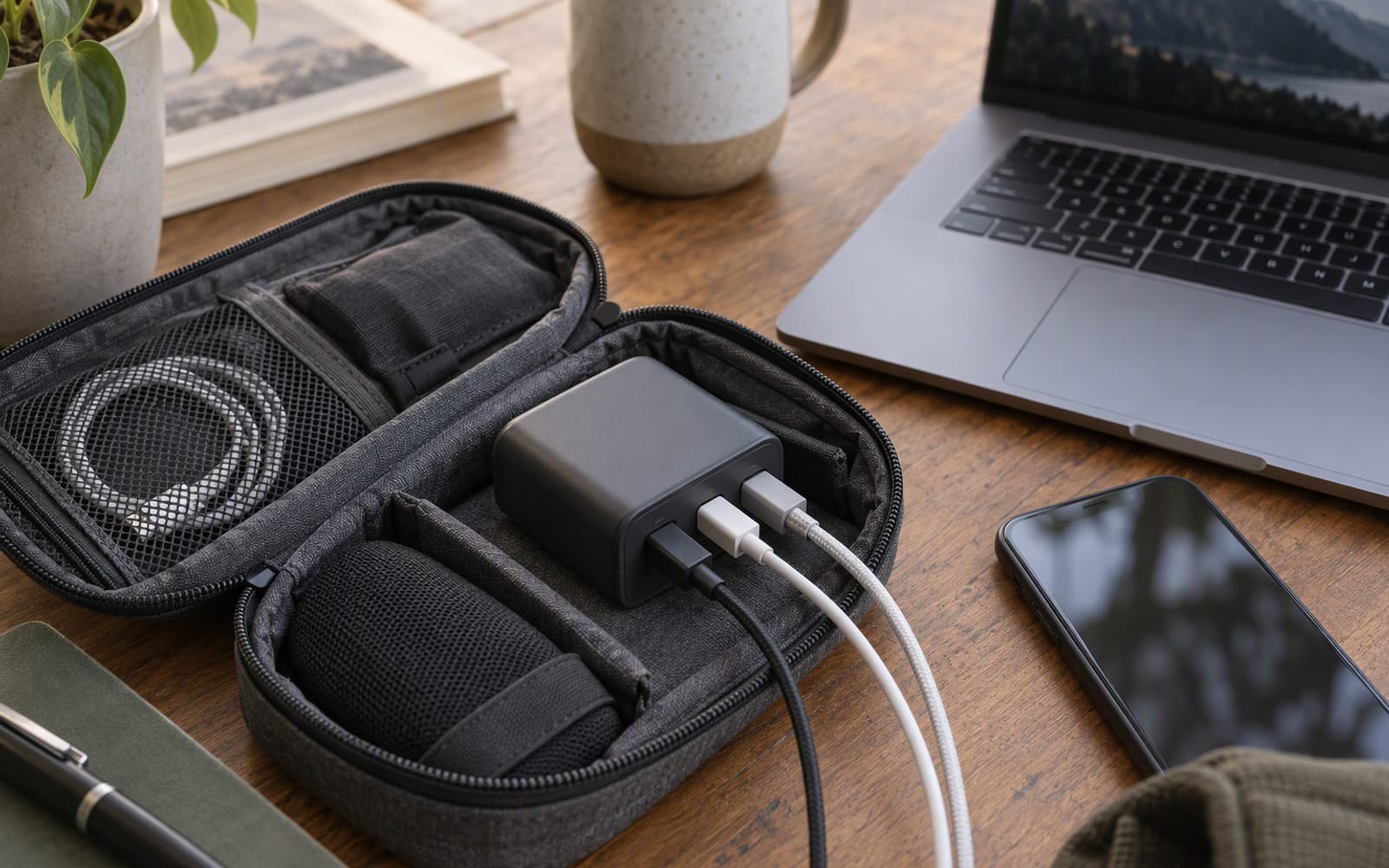
GaN Chargers Explained: One Brick for Everything
Gallium nitride made chargers smaller. Here is how USB-C Power Delivery works, why total wattage is shared, and when one charger really can replace three.
Power
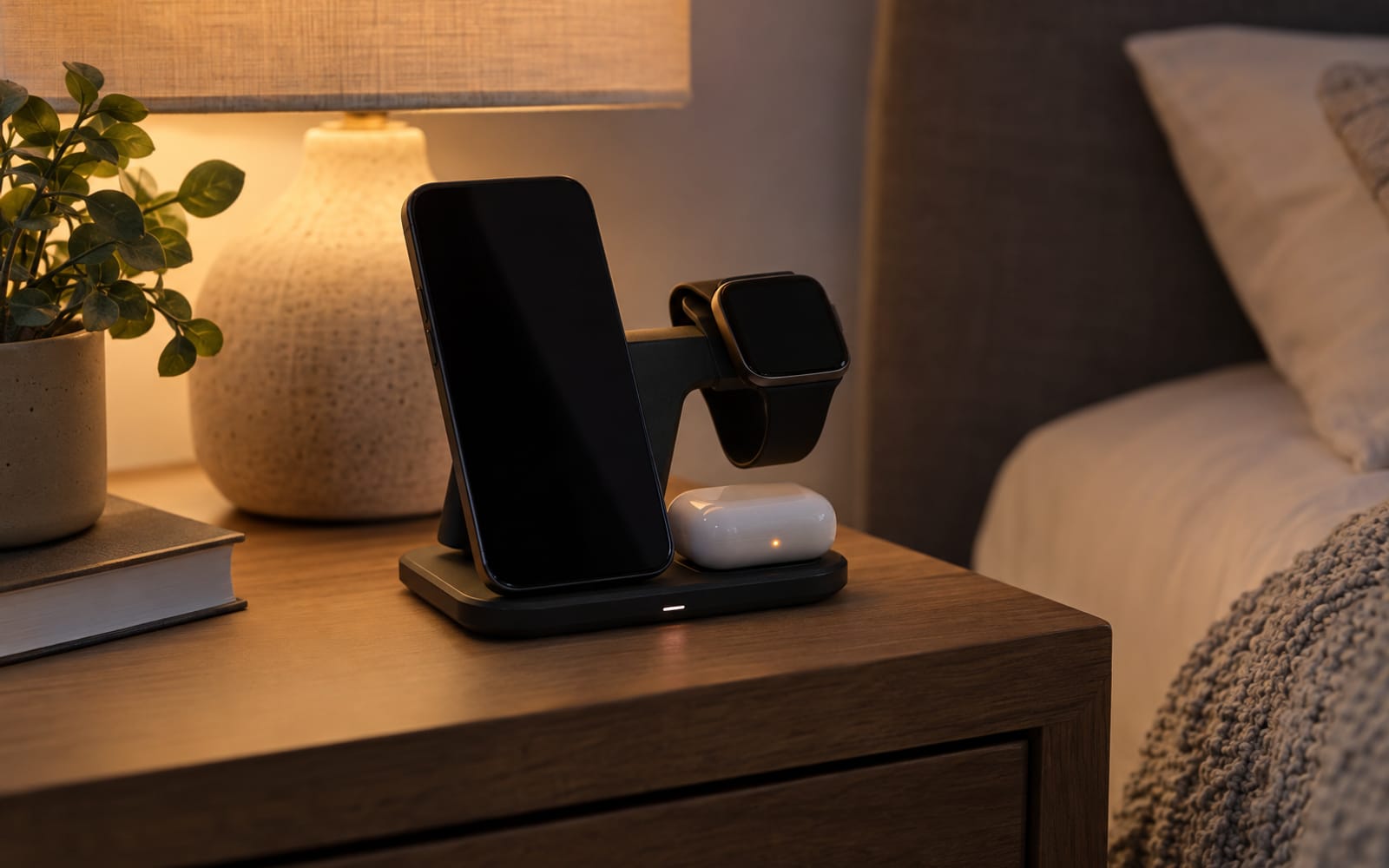
Wireless Charging Pads: Convenience vs Speed
Wireless charging is slower than a cable at the same price, and always will be. Here is when a pad earns its place on a bedside table anyway.

Power
Best Car Chargers for Road Trips
Older 12 V sockets limit what a car charger can deliver. Here is how to pick one for a family road trip, and when the honest answer is to buy nothing.